> For the complete documentation index, see [llms.txt](https://docs.defguard.net/llms.txt). Markdown versions of documentation pages are available by appending `.md` to page URLs; this page is available as [Markdown](https://docs.defguard.net/1.6/deployment-strategies/amis-and-aws-cloudformation/configuring-https-using-aws-certificate-manager.md).
# Configuring HTTPS using AWS Certificate Manager
This guide explains how to secure your Defguard deployment with HTTPS by using a public TLS certificate issued by AWS Certificate Manager (ACM). You will request a certificate for the domains used by Defguard Core and Defguard Proxy, validate domain ownership via DNS, and attach the certificate to your CloudFormation stack using its ARN.
Once completed, AWS will automatically manage certificate provisioning and renewal, ensuring your Defguard instance is encrypted and trusted without manual certificate handling.
Go to AWS console and open the Certificate Manager service page.
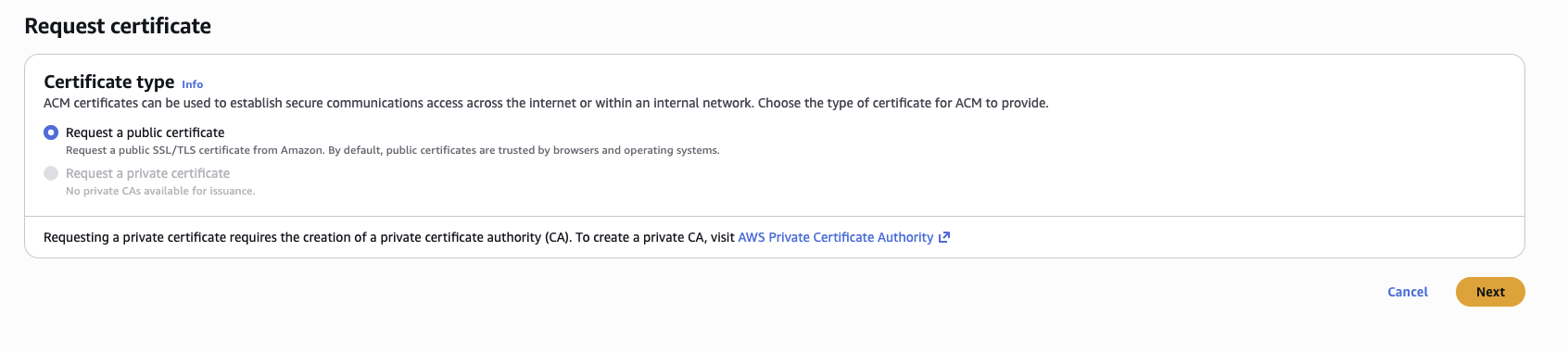
Request a new certificate (if you don't have one already).
A public certificate is enough.
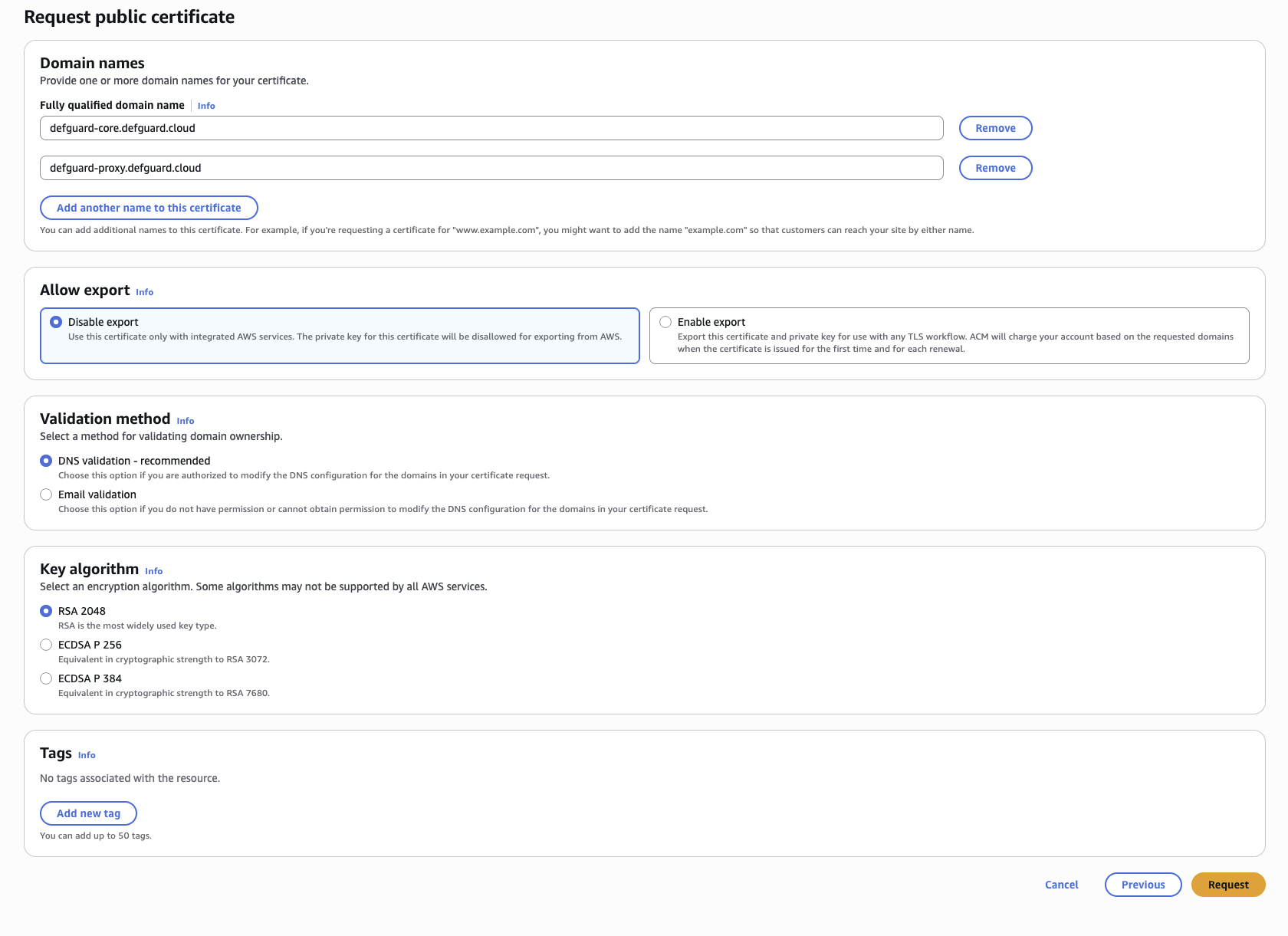
Specify the domains you will want to use for your Defguard instance (for accessing Defguard Proxy and Defguard Core). Those domains should be the same as those you'll use in `ProxyUrl` and `CoreUrl`.
Next, you will need to validate your domain ownership by adding appropriate CNAME records in your DNS provider. Use the *CNAME name* and *CNAME value* values provided in the AWS console and set them in you domain's DNS.
After you complete this step, your certificate can be used. Copy the ARN of your certificate and paste it into the `SSLCertificateArn` parameter in the CloudFormation template.