> For the complete documentation index, see [llms.txt](https://docs.defguard.net/llms.txt). Markdown versions of documentation pages are available by appending `.md` to page URLs; this page is available as [Markdown](https://docs.defguard.net/deployment-strategies/high-availability-and-failover.md).
# High Availability and Failover
## Gateway high availability
We support running multiple gateways within a single VPN location to achieve high availability.
{% hint style="info" %}
This configuration requires an Enterprise License.
{% endhint %}
### Deploying multiple gateways for one location
Multiple gateways can be added by using the "Gateway setup" context menu in the "Locations" table.
Each gateway deployed for a given location will receive the same network configuration and will **bind to the defined port** in the location's *Gateway Port.*
The only thing left to do is point your traffic to those gateways, which can be accomplished in several ways:
{% hint style="warning" %}
WireGuard is a stateful UDP protocol, so once a client establishes a session with a specific gateway, only that gateway can decrypt its traffic. In a multi-gateway setup, you must use a layer 4 load balancer with properly configured **health checks** and **sticky sessions** to ensure traffic is consistently routed to a healthy instance and automatically redirected if a gateway fails.
You can find an example Envoy proxy configuration in our [deployment repository](https://github.com/DefGuard/deployment/tree/main/docker-compose2.0).
More details about WireGuard load balancing can be found here: [WireGuard UDP load-balancing](/deployment-strategies/high-availability-and-failover/wireguard-udp-load-balancing.md).
{% endhint %}
* **Proxy/load balancing** – The load balancer must be configured with gateway addresses and ports. Clients connect to the proxy, which forwards VPN (UDP) traffic to one of the gateway backends. The proxy must perform regular health checks and ensure that traffic from each client is consistently routed to a single gateway instance (sticky sessions).
* **Floating public IP** – In this scenario, the public IP configured as the Location Gateway Address is assigned to only one gateway at a time. If the active gateway becomes unavailable, the floating IP automatically moves to the standby gateway, ensuring that client traffic is redirected to the healthy server.
Example configuration can be found in [our deployment repository](https://github.com/DefGuard/deployment/blob/main/docker-compose2.0/docker-compose.ha.yaml).
### Determining whether multiple gateways are running
All gateways successfully connected to a location are displayed under the location in the VPN Overview and in the locations table:
### Gateway peer persistence if Core or Edge services fail
1. For **VPN locations without MFA**, the peer configuration persists until the system reboots, *even if the gateway does not work*, because the gateway configures WireGuard "in kernel".
2. For **VPN locations with MFA**, this depends on the *Client disconnect threshold (seconds)* setting in the VPN location settings. This setting specifies that if the peer is inactive for the defined number of seconds, the gateway should remove it from the configuration. Therefore, if the Edge or Core service is not operational, MFA authentication will fail, and the peer will not be added again after it is disconnected.
## Edge high availability
Edge is a stateless service, which makes it straightforward to run multiple instances for high availability. Because request handling is not tied to local application state, Edge instances can be placed behind a standard reverse proxy or load balancer such as NGINX to distribute traffic and provide failover. In this setup, the load balancer handles incoming connections and forwards them to any healthy Edge instance, allowing the service to remain available even if one instance goes down. When deploying Edge in this way, make sure each instance has a consistent runtime configuration and access to the required certificate material.
Example configuration can be found in [our deployment repository](https://github.com/DefGuard/deployment/blob/main/docker-compose2.0/docker-compose.ha.yaml).
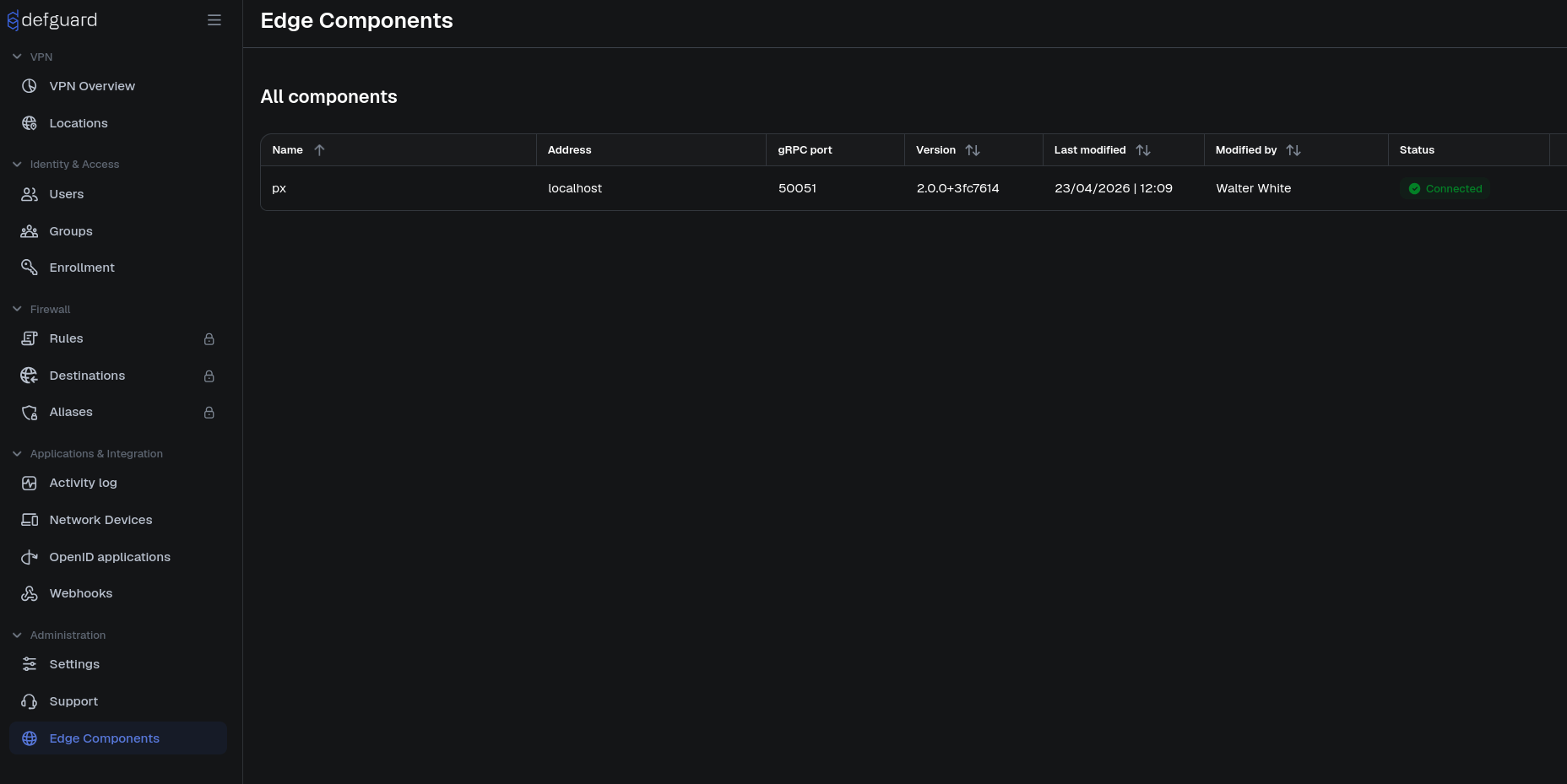
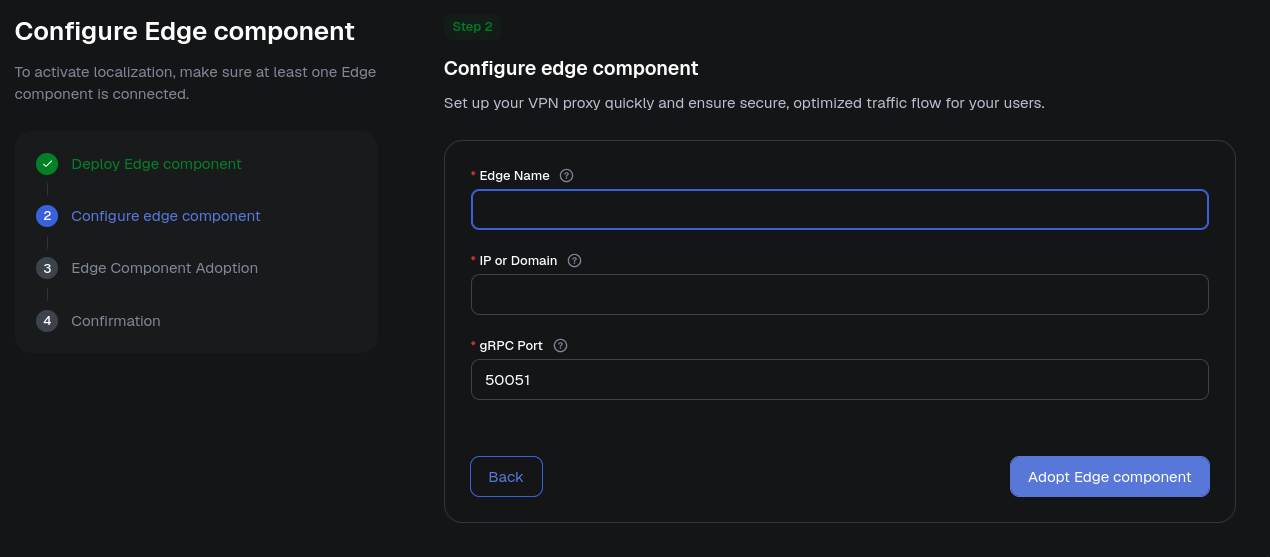
Like Gateways, Edge components can be managed directly from the Core UI. The list of configured Edge components is available on the Edge components page, where administrators can view existing components and perform management tasks such as adding and removing them.
## Core Failover
The Core service manages gateway state and communicates with Edge. Because Edge exposes HTTP-based protocols and is intended to be publicly accessible, it must be secured, so Core connects to Edge.
This means **Core can be placed in an intranet network segment and Edge can be placed in the DMZ, making Core completely isolated from the Internet by the firewall**. In such a setup, you can allow only outgoing firewall rules from the intranet that permit Core to connect to Edge.
Defguard Core is not yet a fully stateless service, which means it is not currently designed for simple horizontal scaling behind a standard load balancer in the same way as Edge. While Core can be deployed reliably as a single central service, running multiple active Core instances requires additional care and is not yet a generally supported high-availability model. Work toward a fully load-balanced Core architecture is ongoing and is expected to become available in future Defguard versions.
#### How to harden Core with failover
We recommend deploying Core and Edge on a failover-capable platform such as a Kubernetes cluster, even a small one. This way, Kubernetes manages health checks and failover. You can run an N-node cluster, and if any VM or node with Core or Edge goes offline, or if health checks fail, the workload is moved to a new node.

%20(1).png)
%20(1).png)
%20(1).png)