> For the complete documentation index, see [llms.txt](https://docs.defguard.net/llms.txt). Markdown versions of documentation pages are available by appending `.md` to page URLs; this page is available as [Markdown](https://docs.defguard.net/features/wireguard/remote-desktop-activation.md).
# Adding client device
How to manually generate token for user as an administrator.
This process enables system **administrators** to create and distribute desktop **activation tokens to users facing access issues to the Defguard instance**. It's handy if a user is already enrolled (has an account) but has not configured the desktop client and doesn't have access to Defguard (is outside the internal network and can't access Defguard).
{% hint style="info" %}
Users can activate / configure their desktop client themselves - for that documentation please go to: [Adding an instance in the client documentation](/using-defguard-for-end-users/desktop-client/instance-configuration.md).
{% endhint %}
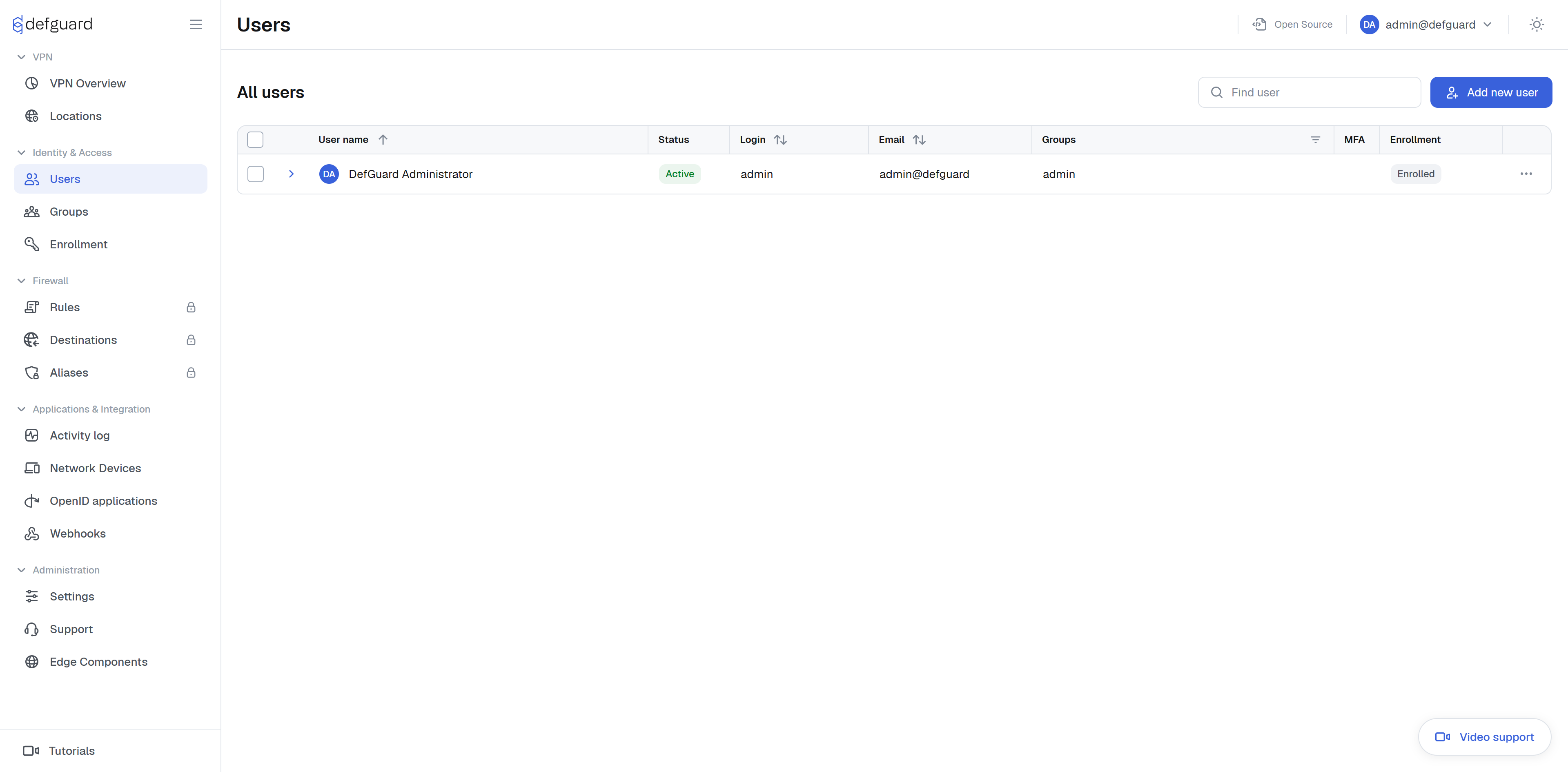
Navigate to the user's list page.
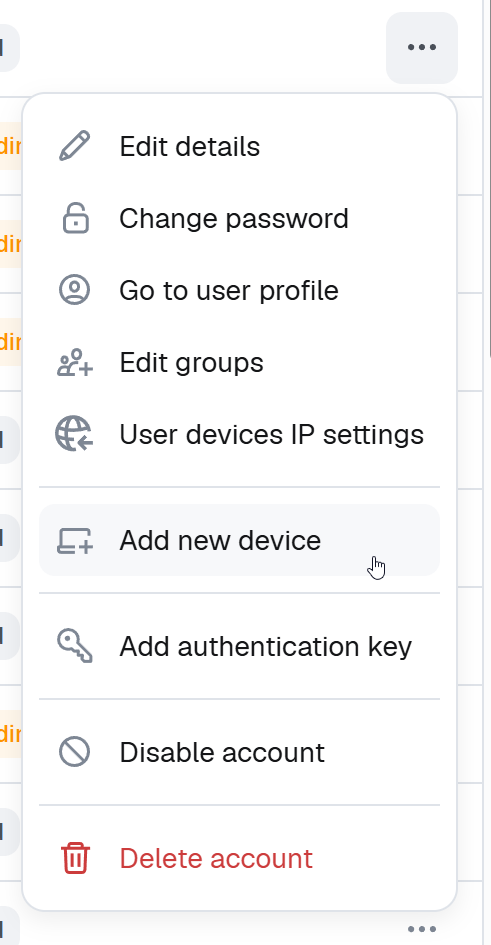
Select **Add new device** from the action menu.
{% hint style="info" %}
This option is only available if the instance has at least one localization, and the user is 'active'. For users that require enrollment, you can choose the option 'Start enrollment' and that token will also work with the client.
{% endhint %}
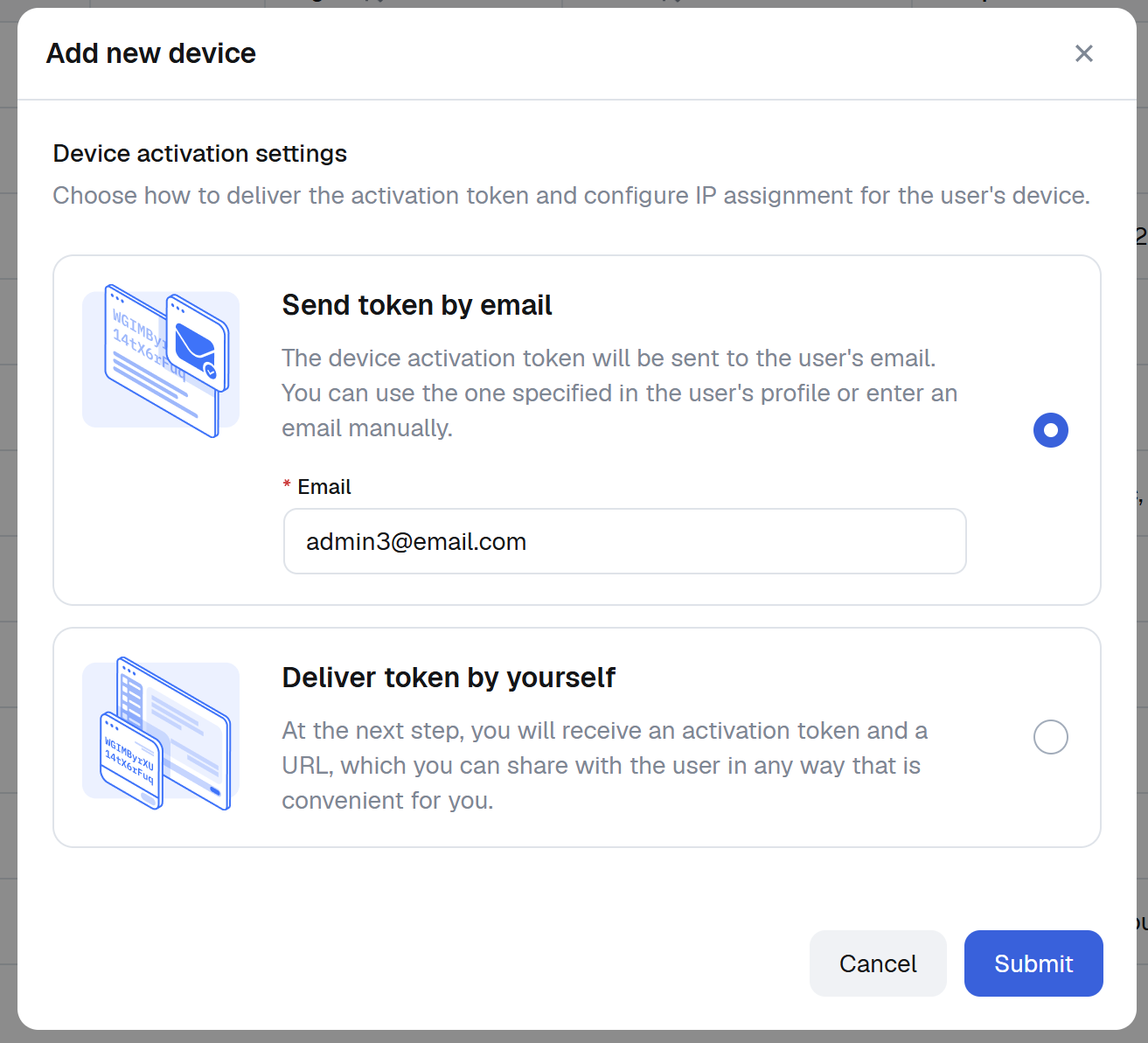
You will be presented with a choice to send an activation token via email or you can choose to just display the token and deliver it through other methods.
After receiving the token, the user will need to follow the activation process in the client. You can find out more about it in [Instance configuration](/using-defguard-for-end-users/desktop-client/instance-configuration.md#manually-adding-instance).
This token also allows for updating information, read more about it in [Instance configuration](/using-defguard-for-end-users/desktop-client/instance-configuration.md#updating-instance).
Here is a video describing whole process:
{% embed url="" %}