> For the complete documentation index, see [llms.txt](https://docs.defguard.net/llms.txt). Markdown versions of documentation pages are available by appending `.md` to page URLs; this page is available as [Markdown](https://docs.defguard.net/features/wireguard/create-your-vpn-network/split-tunnel-configuration.md).
# Split Tunnel Configuration
To configure split tunnel routing, you need to add the networks that should always route through your VPN connection to the[ Allowed IPs configuration in the VPN Location](/features/wireguard/create-your-vpn-network.md#allowed-ips). You can do this either in the wizard during the location configuration, or by navigating to Locations, clicking on the "..." menu, and selecting "Edit":
And then define the networks in Allowed IPs:
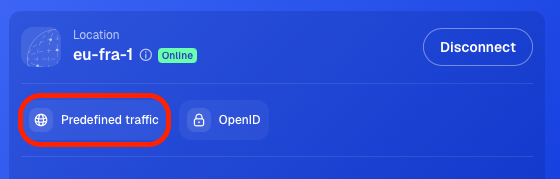
Now any time a user connects to VPN with Predefined Traffic option:
traffic to those networks will go through the VPN, and all other traffic will use the user's default router or internet connection.