> For the complete documentation index, see [llms.txt](https://docs.defguard.net/llms.txt). Markdown versions of documentation pages are available by appending `.md` to page URLs; this page is available as [Markdown](https://docs.defguard.net/features/integrations/webhooks.md).
# Webhooks
## Basic idea
The basic idea of webhooks is to send user data to external systems in order to automate certain tasks like for example sending welcome email to a newly created user.
## Setup
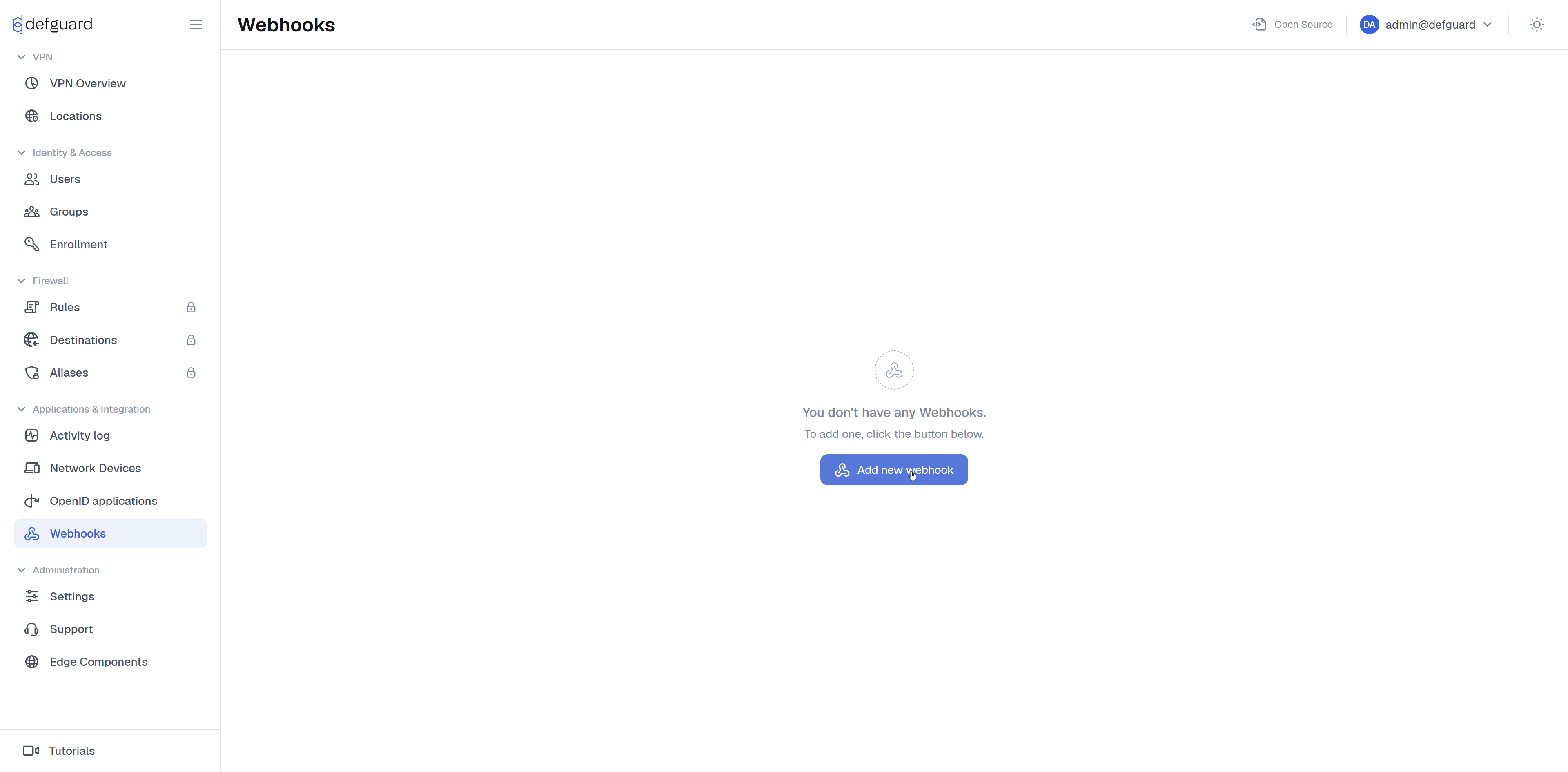
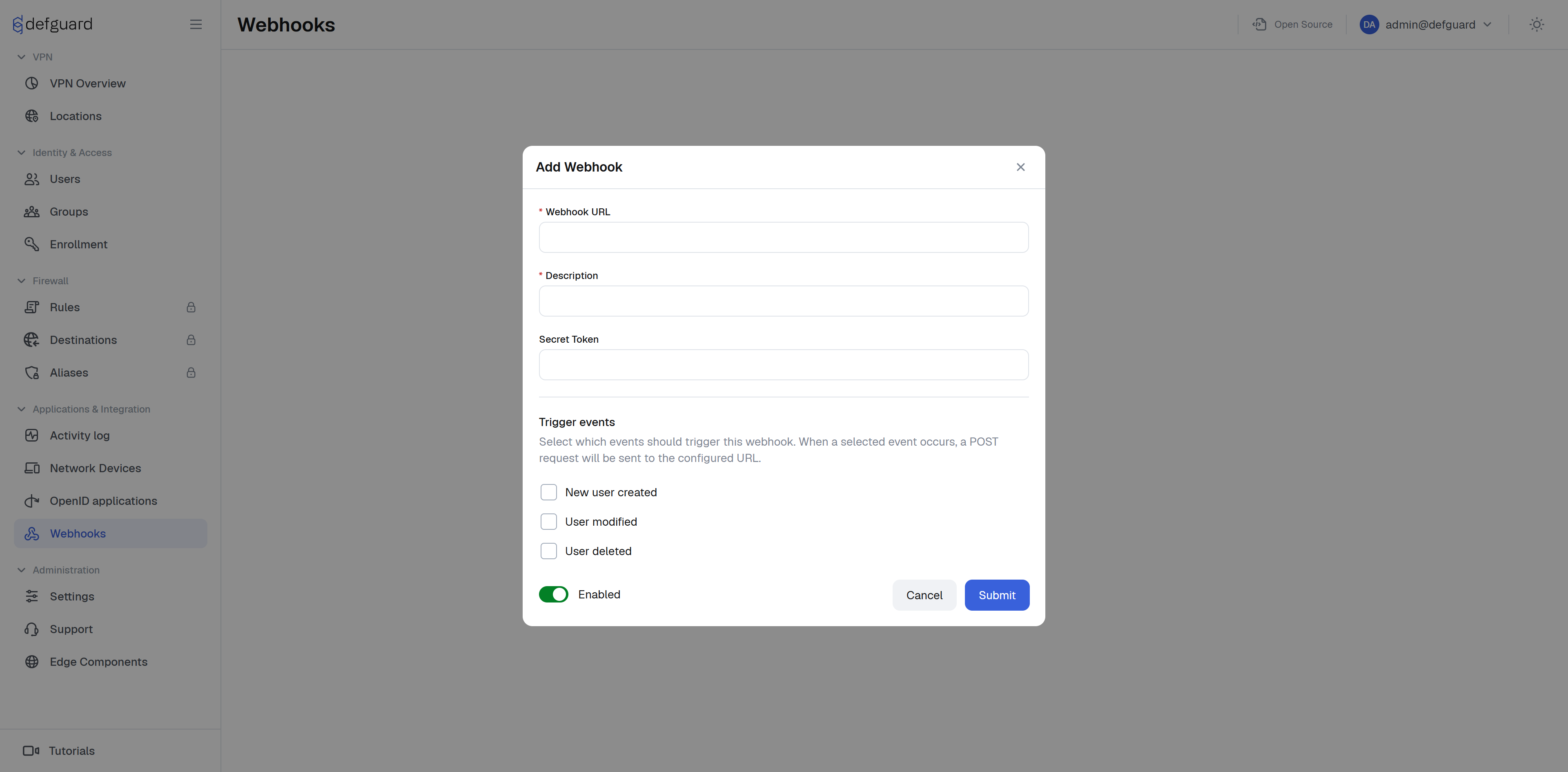
Select **Webhooks** page from main navigation, and click **Add new webhook**.
On the form above, you'll see inputs like URL description token and triggers
* **URL** is a URL on which data will be sent after certain triggers
* **Description** short description of your webhook to remember its use case
* **Secret token** is a token sent with the request in the `Authorization` header, **Note** if receiver didn't implement any token check it'll do nothing
* **Triggers** are events which will trigger the webhook
## Sample requests
Below is a list of all triggering actions with their request header and sample JSON body which will be sent on URL given at webhook creation.
**Note** all requests use the `POST` method and send data in the body of the request in JSON format. The secret token is sent as a bearer token, so the request carries `Authorization: Bearer ` next to the trigger header.
### New user created
Triggered after creating user
Header with name of trigger
`X-Defguard-Event: user_created`
Body example:
```json
{
"id":5,
"username":"jdoe",
"first_name":"jane",
"last_name":"doe",
"name":"jane doe",
"email":"janedoe@email.pl",
"phone":"123456789",
"mfa_enabled":false,
"totp_enabled":false,
"email_mfa_enabled":false,
"mfa_method":"None",
"groups":[],
"authorized_apps":[],
"devices":[],
"is_active":true,
"is_admin":false,
"enrolled":false,
"ldap_pass_requires_change":false,
"password_management_disabled":false,
"has_non_mfa_location_access":true,
"has_non_posture_location_access":true
}
```
### User modified
Triggered after modifying user
Header
`X-Defguard-Event: user_modified`
The body has the same shape as for `user_created` and carries the state of the user after the change:
```json
{
"id":5,
"username":"jdoe",
"first_name":"jane",
"last_name":"doe",
"name":"jane doe",
"email":"janedoe@email.pl",
"phone":"123456789",
"mfa_enabled":true,
"totp_enabled":true,
"email_mfa_enabled":false,
"mfa_method":"OneTimePassword",
"groups":["admin"],
"authorized_apps":[],
"devices":[],
"is_active":true,
"is_admin":true,
"enrolled":true,
"ldap_pass_requires_change":false,
"password_management_disabled":false,
"has_non_mfa_location_access":true,
"has_non_posture_location_access":true
}
```
### User Deleted
Triggered on deleting user
Header
`X-Defguard-Event: user_deleted`
Request body example:
```json
{
"username":"jdoe"
}
```
### User YubiKey Provision
Triggered after successfully provisioning YubiKey. This is the only trigger with a different body: instead of the full user object it carries the provisioned keys.
Header
`X-Defguard-Event: user_keys`
Request body example:
```json
{
"username":"jdoe",
"email":"janedoe@email.pl",
"ssh_key":"ssh-rsa AAAAB3NzaC1yc2E…",
"pgp_key":"-----BEGIN PGP PUBLIC KEY BLOCK-----…",
"serial":"12345678"
}
```