> For the complete documentation index, see [llms.txt](https://docs.defguard.net/llms.txt). Markdown versions of documentation pages are available by appending `.md` to page URLs; this page is available as [Markdown](https://docs.defguard.net/2.0/using-defguard-for-end-users/changing-your-password.md).
# Password change / Reset
## Resetting your password
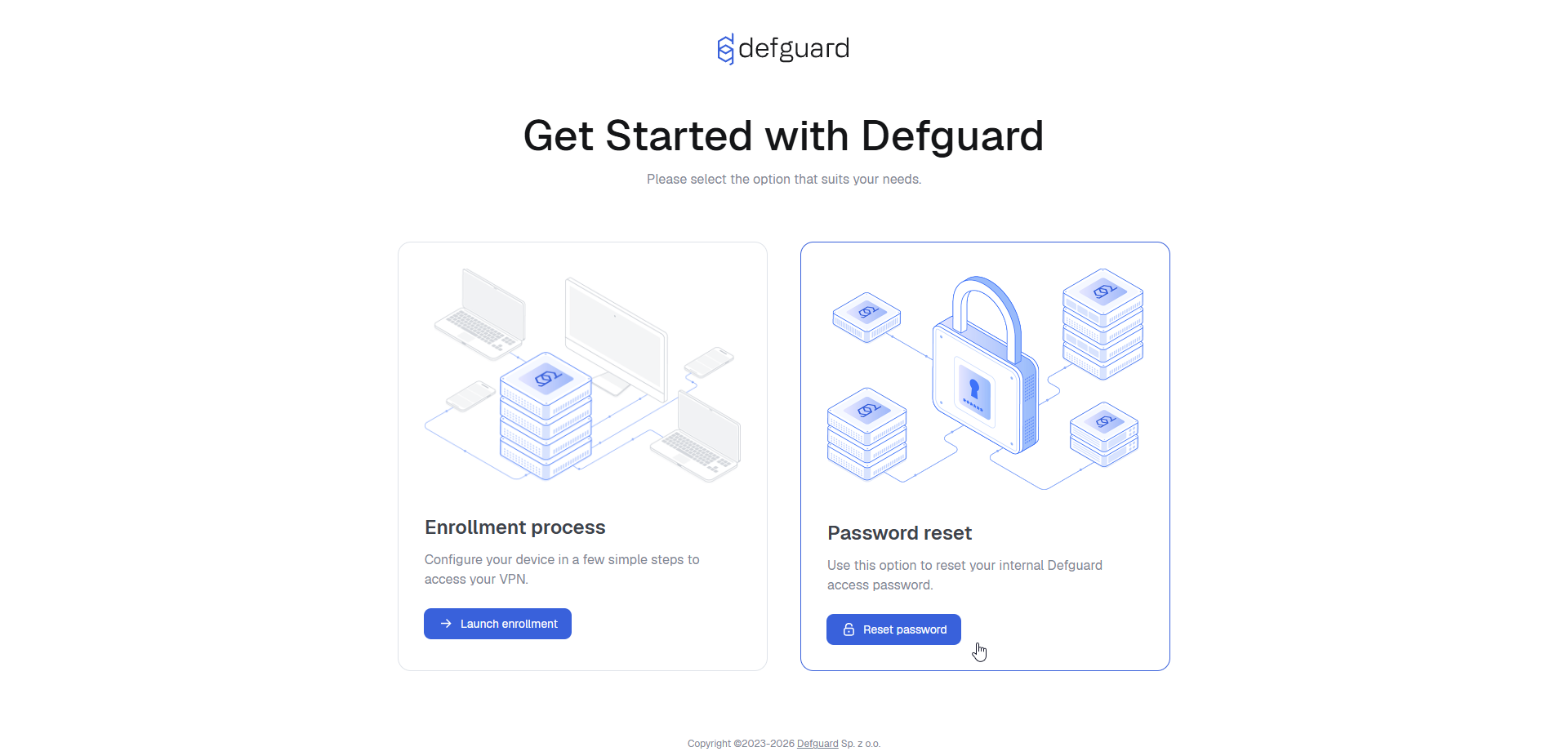
If you don't have access to Defguard you can reset your password with a link that will be sent to you on your email. Can be done in two ways:
#### Enrollment public page
The same URL you have used to do your remote enrollment & onboarding has the functionality of password reset:
{% hint style="info" %}
The enrollement service URL should be available in the onboarding email you have received when finishing the [onboarding\&enrollment process.](/2.0/using-defguard-for-end-users/enrollment.md)
{% endhint %}
#### By admin
Ask your administrator to assist you.
{% hint style="info" %}
You should have you admin contact data on the onboarding message that was sent automatically after you have finished the [onboarding\&enrollment process.](/2.0/using-defguard-for-end-users/enrollment.md)
{% endhint %}
## Changing your password in Defguard
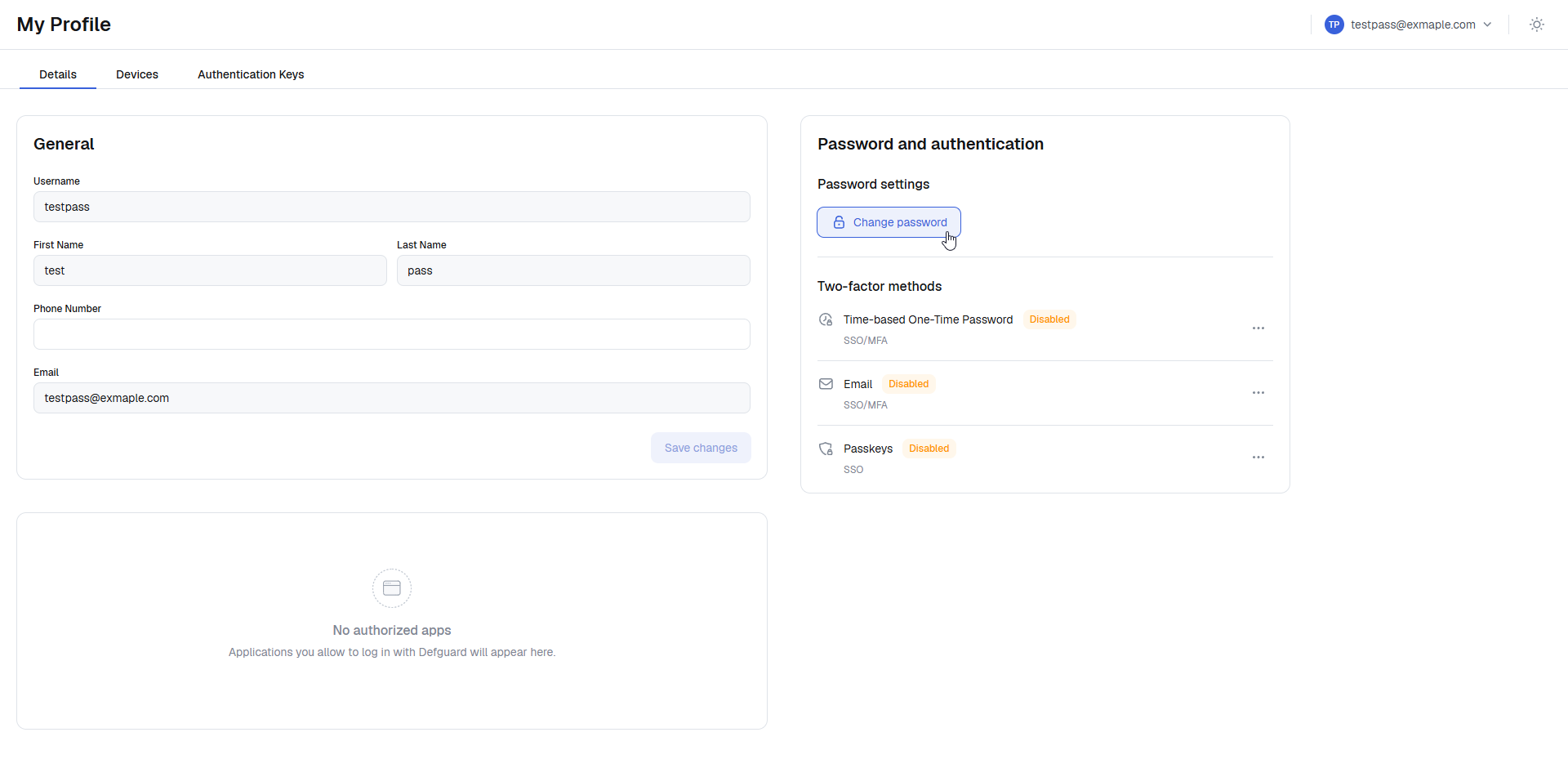
Click **Change password** button in **Password and authentication**.
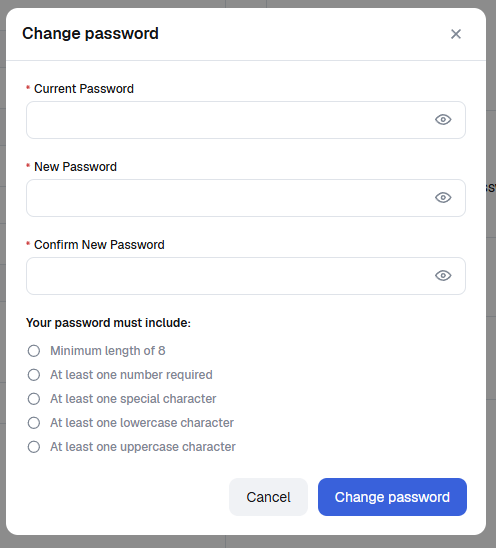
Set up a new secure password according to the password rules and click **Change password***.*