> For the complete documentation index, see [llms.txt](https://docs.defguard.net/llms.txt). Markdown versions of documentation pages are available by appending `.md` to page URLs; this page is available as [Markdown](https://docs.defguard.net/1.4/using-defguard-for-end-users/changing-your-password.md).
# Password change / Reset
## Resetting your password
If you don't have access to Defguard you can reset your password with a link that will be sent to you on your email. Can be done in two ways:
#### Enrollment public page
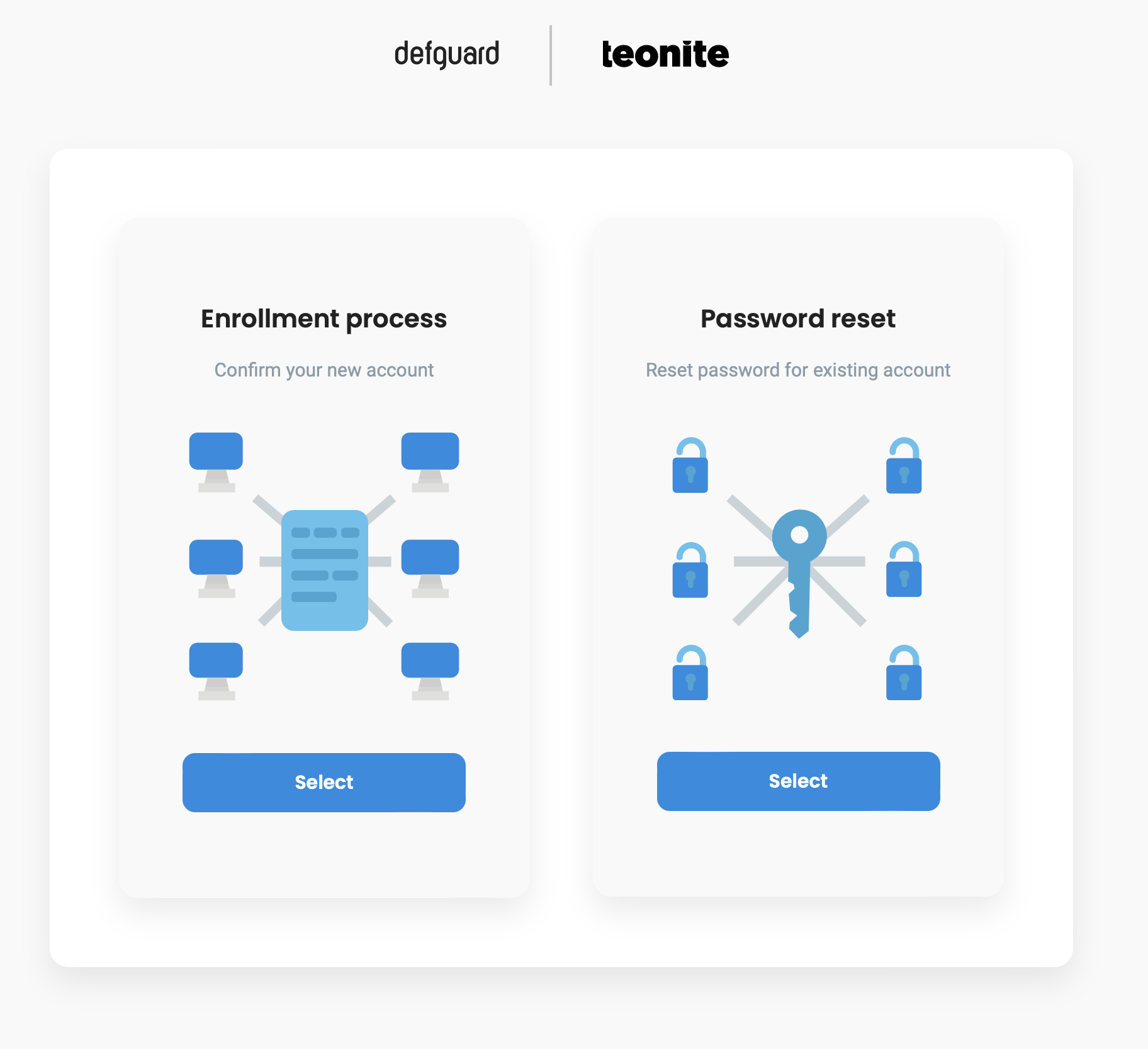
The same URL you have used to do your remote enrollment & onboarding has the functionality of password reset:
Password reset in enrollment service
{% hint style="info" %}
The enrollemnt service URL should be avaialbe in the onboarding email you have received when finishing the [onboarding\&enrollment process.](/1.4/using-defguard-for-end-users/enrollment.md)
{% endhint %}
#### By admin
Ask your administrator to send you the password reset link.
{% hint style="info" %}
You should have you admin contact data on the onboarding message that was sent automatically after you have finished the [onboarding\&enrollment process.](/1.4/using-defguard-for-end-users/enrollment.md)
{% endhint %}
## Changing your password in Defguard
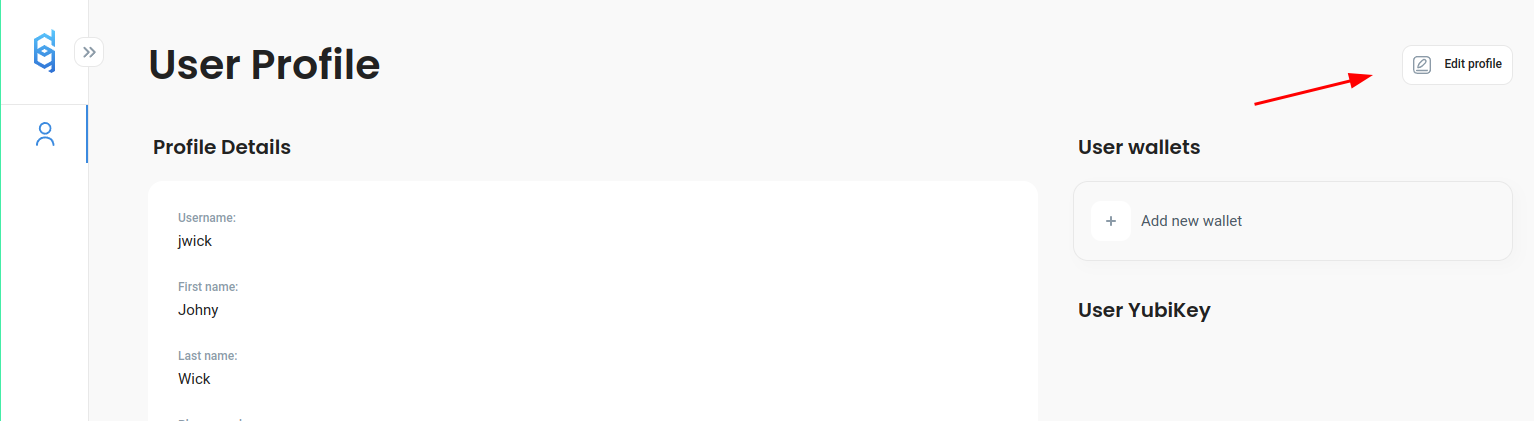
Go to *My Profile* and click *Edit:*
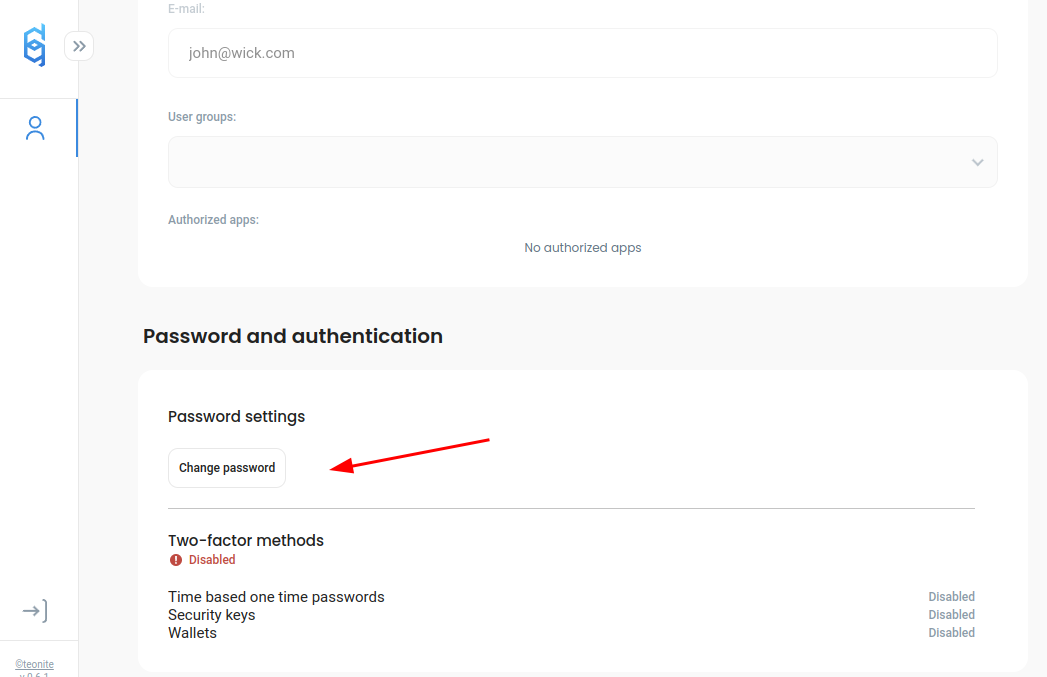
Then scroll down and choose *Change Password:*
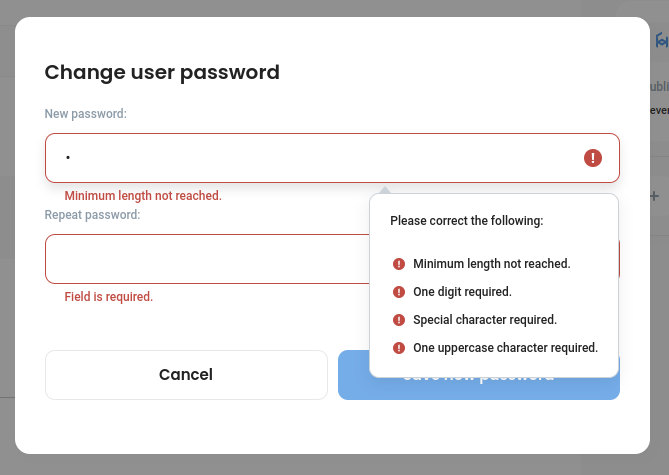
Set up a new secure password according to the password rules and click *Save new password*