> For the complete documentation index, see [llms.txt](https://docs.defguard.net/llms.txt). Markdown versions of documentation pages are available by appending `.md` to page URLs; this page is available as [Markdown](https://docs.defguard.net/1.4/features/wireguard/network-overview.md).
# Network overview
Once your gateway service is up and users start connecting to the VPN, upload/download summary data is stored and can be displayed in "overview" tab of Defguard web application. See [architecture overview](/1.4/in-depth/architecture.md) for details of core-gateway interaction.
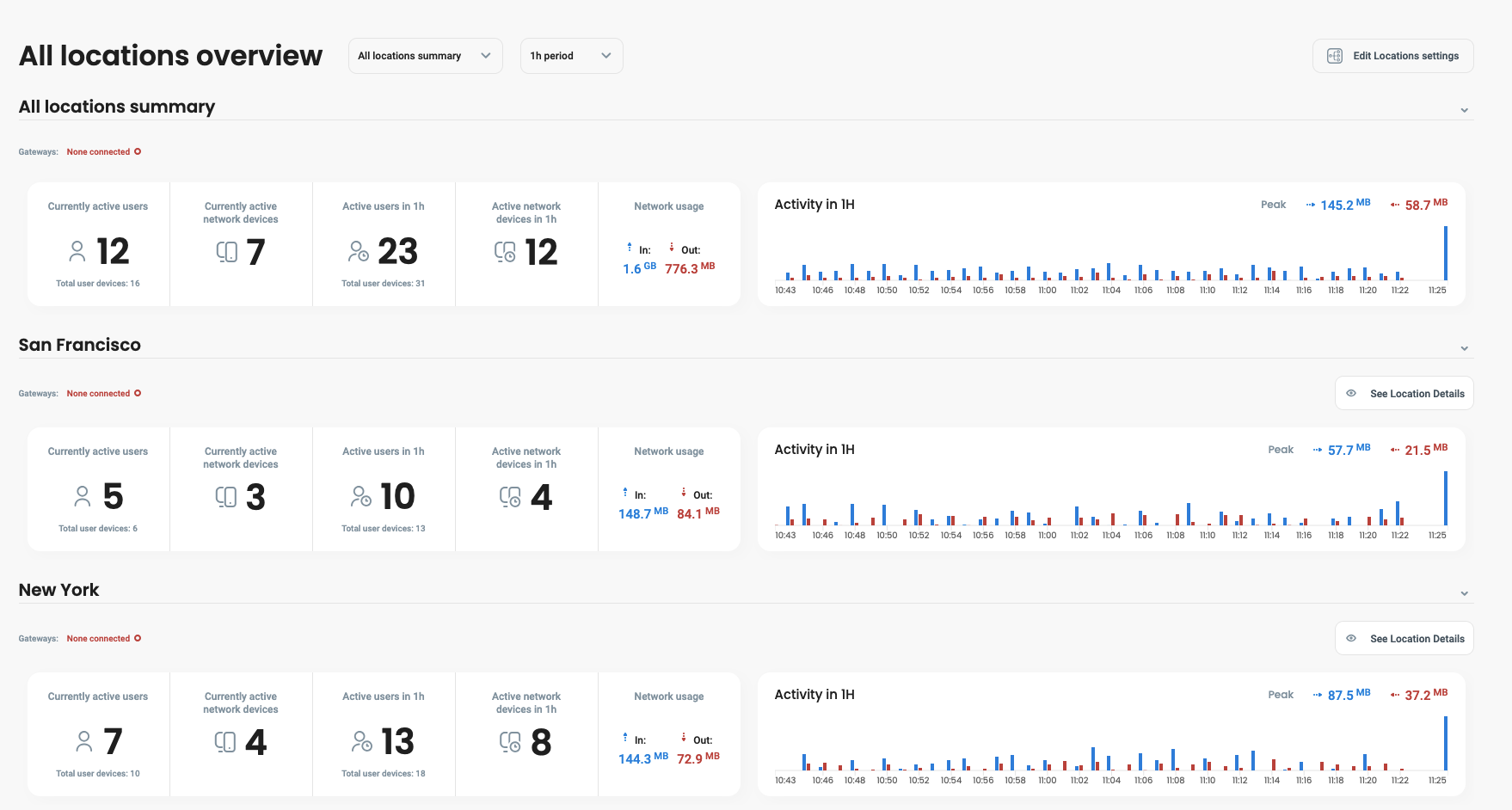
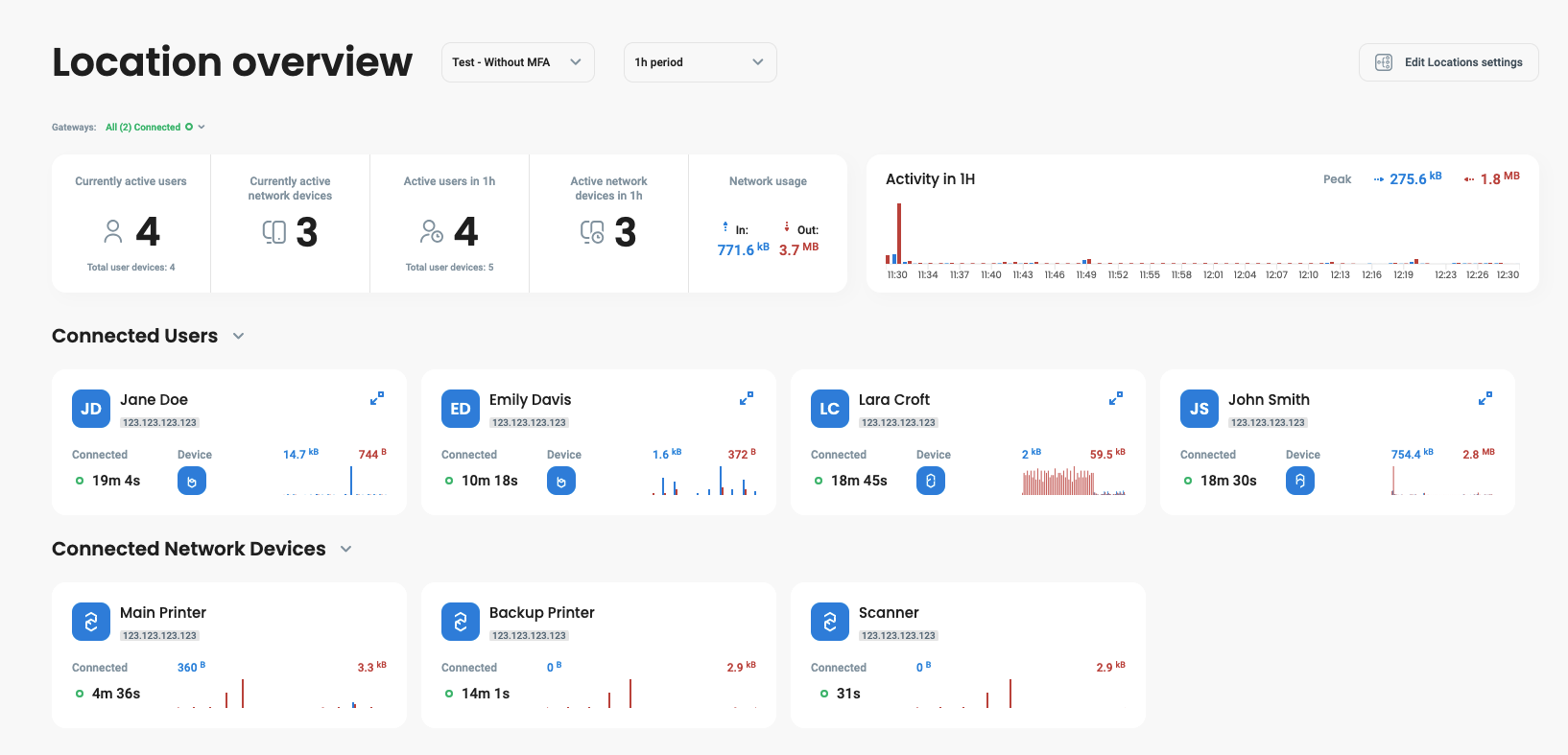
On the overview page, you'll see who is currently connected and how much data each connected user transferred. You'll also see overall network transfer charts.
Since **version 1.4**, Defguard dashboard allows administrators to see:
* Current amount of active users / network devices
* Active users / network devices during time period
* Network usage
* Gateway status
### Dashboard
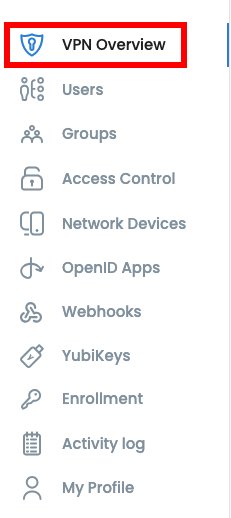
To access this dashboard, go to **VPN Overview** tab.
Dashboard looks like this, if you want to see more details about location, proceed to [this section.](#detailed-location-overview)
### Detailed location overview
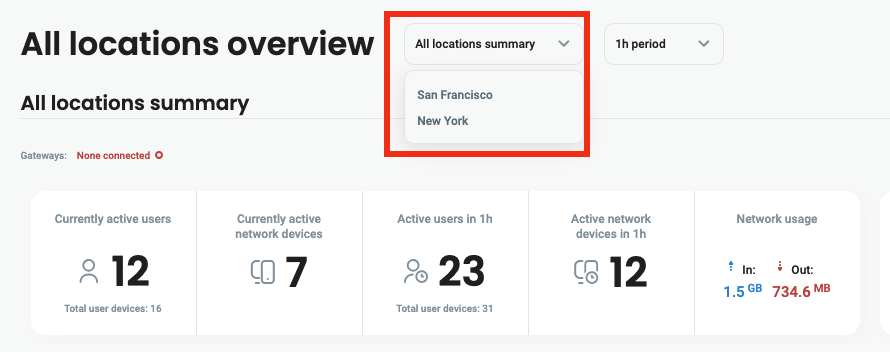
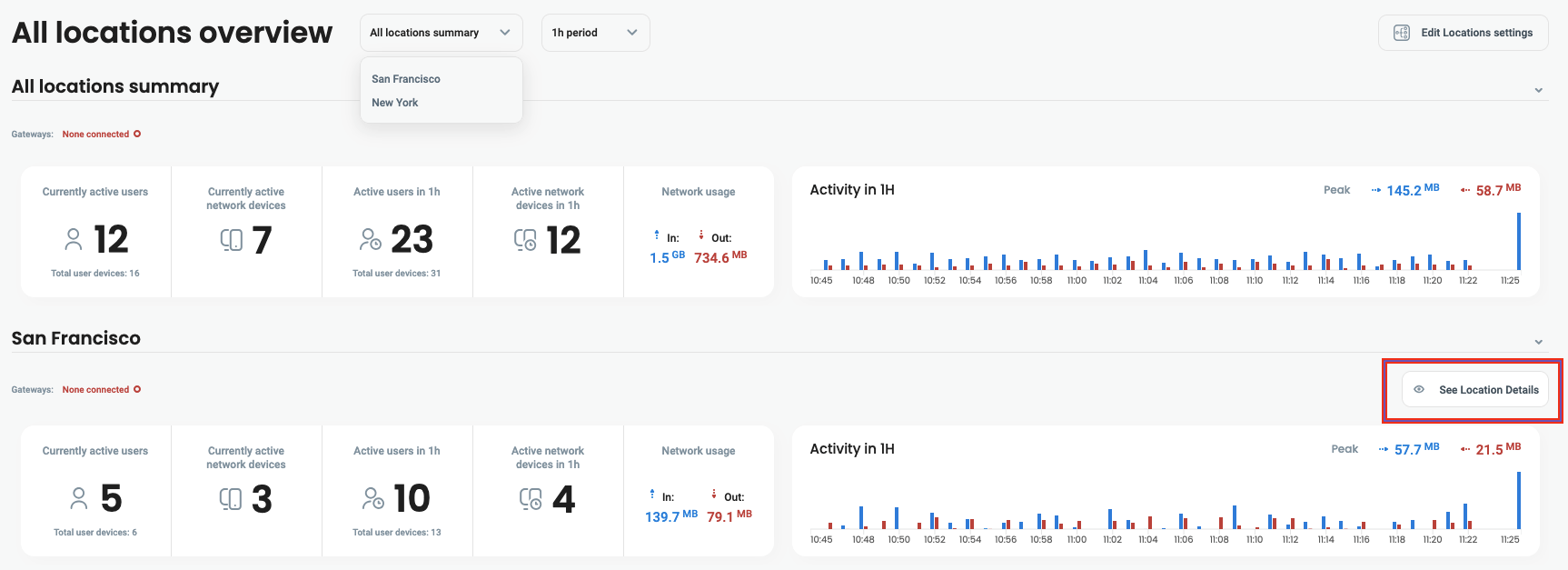
To access a dashboard with detailed information, you can:
* Select location at the top of the page
* Click **See Location Details** next to location
***
In this view, you can see individual users and network devices using this specific location.
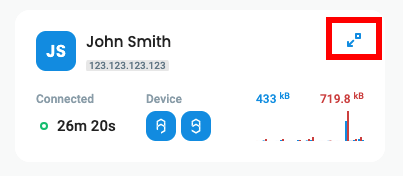
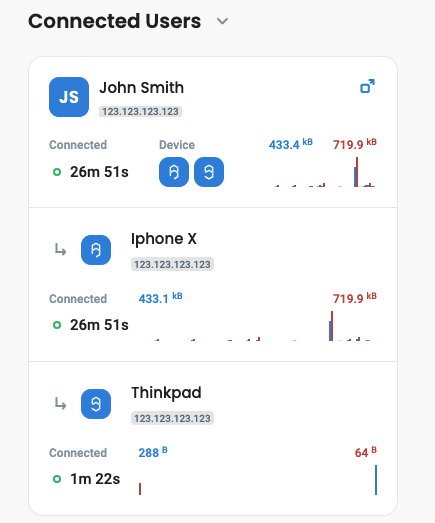
To access detailed information about a specific user, click the blue icon located next to the username.
After expanding, you will see devices which are currently being used by the user.