> For the complete documentation index, see [llms.txt](https://docs.defguard.net/llms.txt). Markdown versions of documentation pages are available by appending `.md` to page URLs; this page is available as [Markdown](https://docs.defguard.net/1.4/features/wireguard/behavior-customization.md).
# VPN & Client behaviour customization
{% hint style="warning" %}
This is an enterprise feature. To use it, purchase our [enterprise license](/1.4/enterprise/license.md) or ensure that your deployment does not exceed the [usage limits](/1.4/enterprise/license.md#enterprise-is-free-up-to-certain-limits).
{% endhint %}
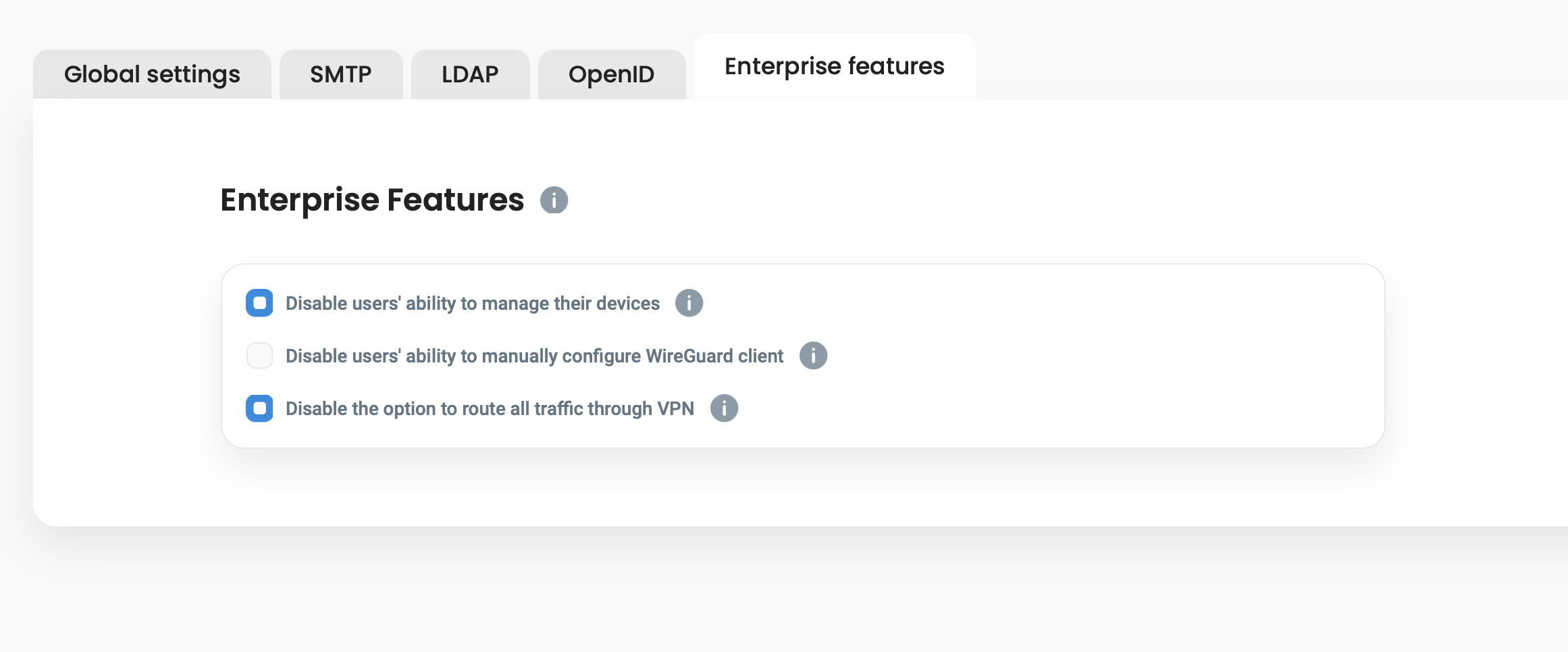
After purchasing the Enterprise License the *Enterprise features* **tab will be activated**, enabling the administrator to configure additional features:
Additional Enterprise Features
### Disable for users to manage their devices
When this option is enabled, **only users in the Admin group can manage devices in user profile**, for any other users adding/editing/removing their VPN devices is disabled.
### Disable ability to configure other VPN clients then Defguard desktop client
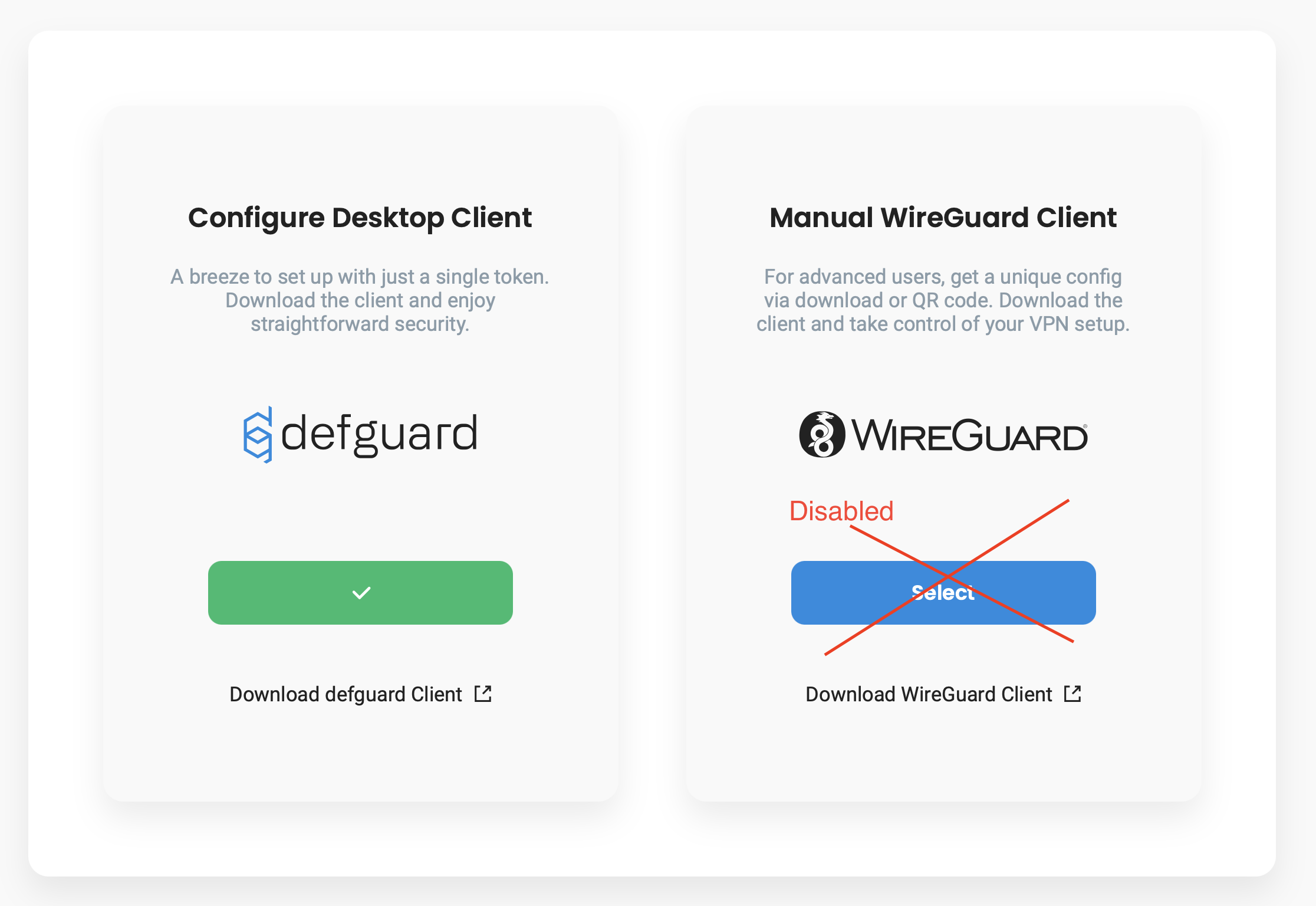
If '*Disable users' ability to manually configure WireGuard client*' option is **enabled**, then any user **has only possibility to configure Defguard desktop client.**
This option will not be available for users:
### Disable *All Traffic* option in the desktop client
One of Defguard desktop client unique features is the possibility for the user to automatically route **All network traffic** from their device **through the connected VPN Location**, when the user checks *All traffic* option***:***

But there are scenarios that administrator would like that users have only access to the **predefined traffic** (meaning Allowed IPs in the Network VPN configuration) and the possibility to access all networks disabled.
When enabling this option, users will only have *predefined traffic* available in their desktop client and the *all traffic* option disabled.
{% hint style="warning" %}
Please note that this option is only client-side enforced, meaning the user may manually modify Wireguard interface to force all traffic to go through the VPN.
{% endhint %}