> For the complete documentation index, see [llms.txt](https://docs.defguard.net/llms.txt). Markdown versions of documentation pages are available by appending `.md` to page URLs; this page is available as [Markdown](https://docs.defguard.net/1.4/features/access-control-list/acl-aliases.md).
# ACL Aliases
ACL alias functionality allows administrators to create reusable elements which can then be used when defining a destination in multiple ACL rules.
For example, you can define aliases for commonly used ports (e.g. 22 for SSH) or for services within your infrastructure (e.g. 1.2.3.4:5432 for a particular PostgreSQL server).
{% hint style="warning" %}
Access Control is an [enterprise feature](/1.4/enterprise/license.md). To use it you'll need to [purchase a license](/1.4/enterprise/license.md#purchasing-the-license) or ensure your deployment does not [exceed the limits](/1.4/enterprise/license.md#enterprise-is-free-up-to-certain-limits).
Access Control is available in Defguard version ≥ 1.3.0 and Gateway version ≥ 1.3.0
{% endhint %}
## Alias management
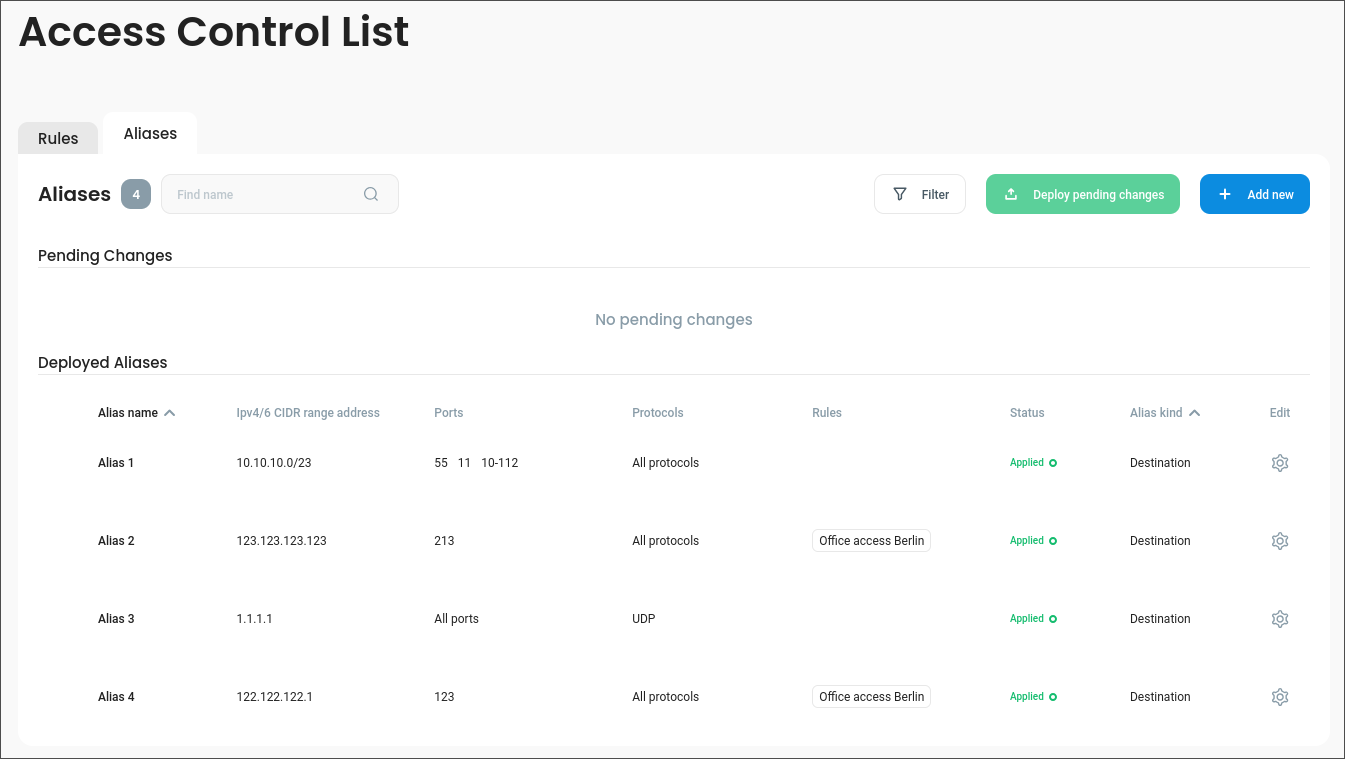
All the aliases defined in your systems are displayed in the second tab of the **Access Control List** page.
### List of aliases
ACL alias list
Similarly to ACL rules themselves, the list is split into two sections:
* **Deployed Aliases** – aliases that are active and can be used by ACL rules.
* **Pending Changes** – aliases that have been modified and have not yet been deployed.
To deploy pending changes, use the **Deploy pending changes** button. It will deploy selected or all pending changes.
{% hint style="warning" %}
When the alias changes are deployed, firewall rules will be updated for all affected locations.
{% endhint %}
### How to add and modify aliases
To create a new rule, use the **Add new** button on the list view.
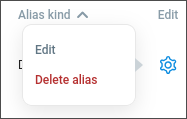
You can edit an existing rule by using the  context menu and selecting **Edit** in the list view.
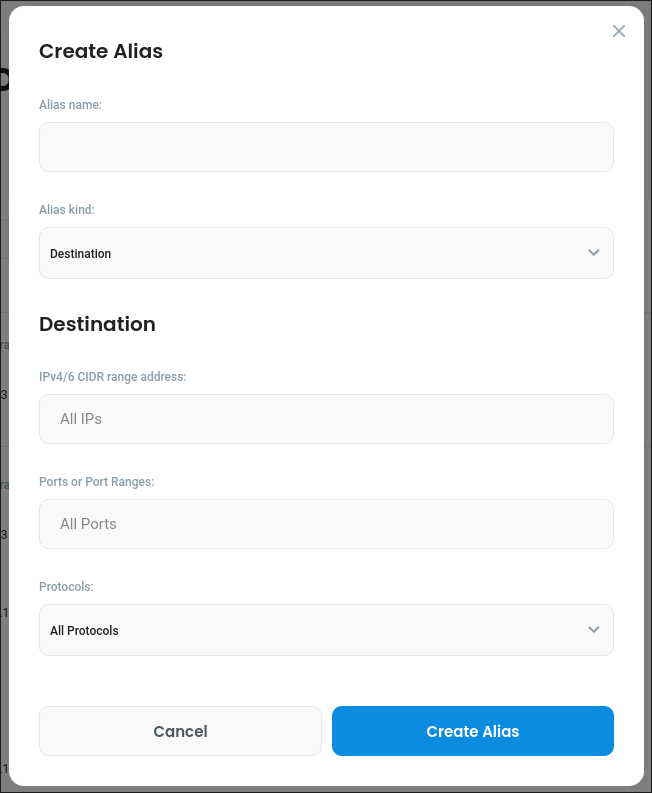
Alias creation form
In the ACL alias form, you can specify alias name and [type](/1.4/features/access-control-list.md#alias-types).
Below in the **Destination** section, you can enter the same resource configuration as in the [ACL rule Destination](/1.4/features/access-control-list.md#destination):
* IP addresses
* Ports or port ranges
* Protocols
{% hint style="info" %}
Unlike ACL rules, newly created aliases have **Applied** status, since they do not alter any traffic unless used by a rule.
{% endhint %}
### Removing aliases
To remove an alias, select the **Delete alias** option from the context menu.
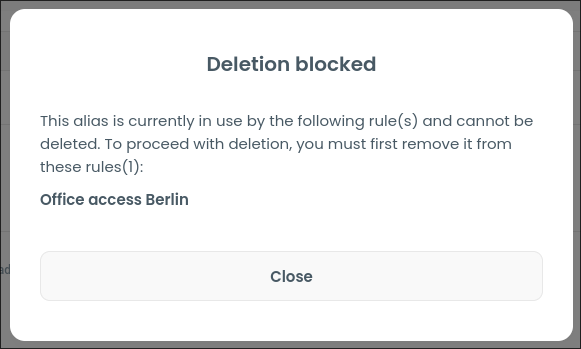
Unlike with ACL rules, alias deletion is not tracked as a modification. You cannot delete an alias if it's being used by any rules and deleting unused aliases is immediate, not requiring changes to be deployed.
You cannot delete aliases used by ACL rules
## Using aliases in ACL rules
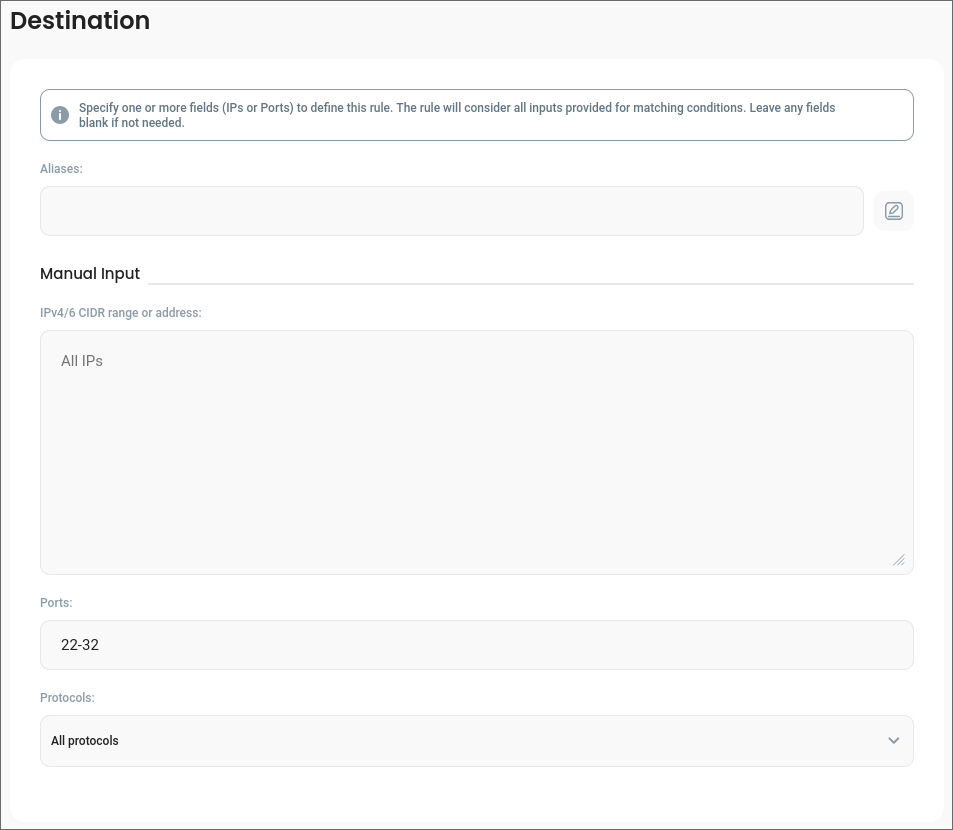
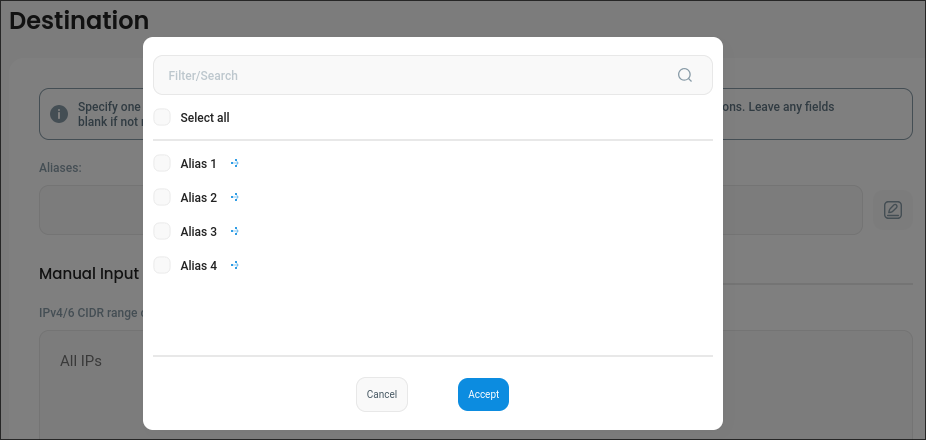
Aliases can be used to define an ACL rule destination by selecting them in the input within the **Destination** section:
ACL rule Destination section with Aliases field
Alias select modal
## Alias types
Aliases are divided into two distinct types to handle various use-cases:
* **Destination** alias – defines a complete [ACL destination](/1.4/features/access-control-list.md#destination); it will be translated into a separate set of firewall rules.
* **Component** alias – defines a part of [ACL destination](/1.4/features/access-control-list.md#destination); it will be merged with destination manually configured in a given ACL rule when generating firewall rules.
### Examples
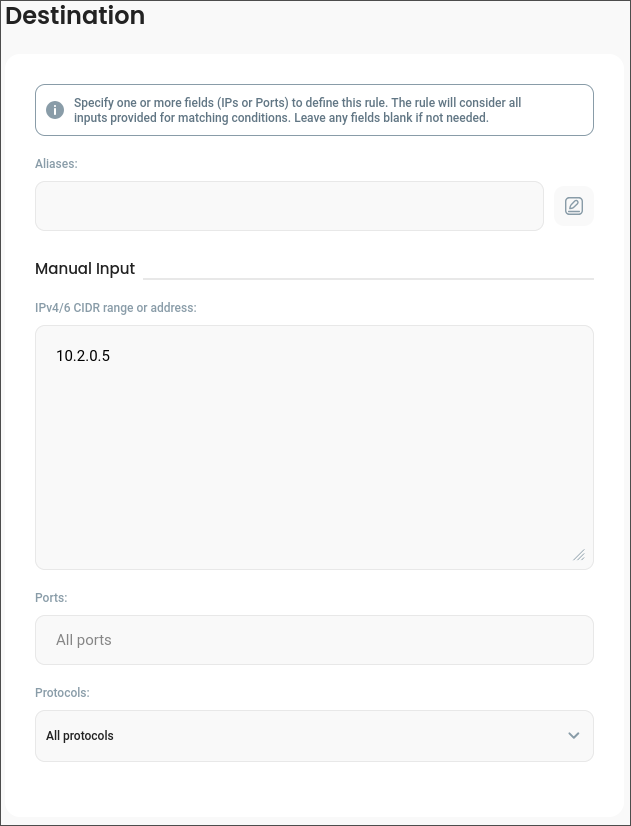
Let's start with an ACL rule that defines a following destination:
By itself, this rule allows specified users to access **all ports** and **all protocols** on the specified IP.
#### Component alias
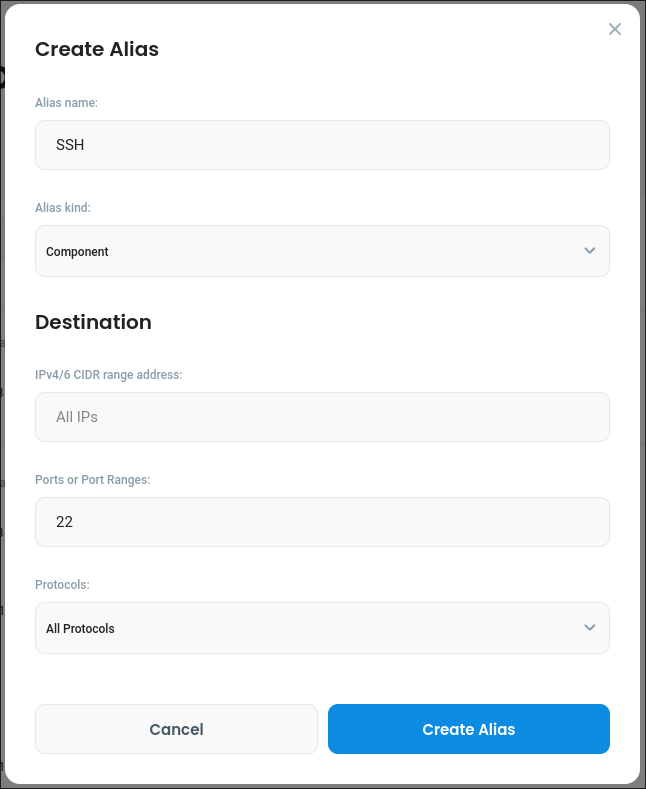
Consider an **SSH** alias with a following definition:
SSH component alias definition
When used in the previously created ACL rule, port 22 will be added to manual inputs defined in the rule itself.
In effect the rule will now grant access **only** to port 22 on 10.2.0.5, just like if we entered the port number in the rule's **Manual Input** section.
#### Destination alias
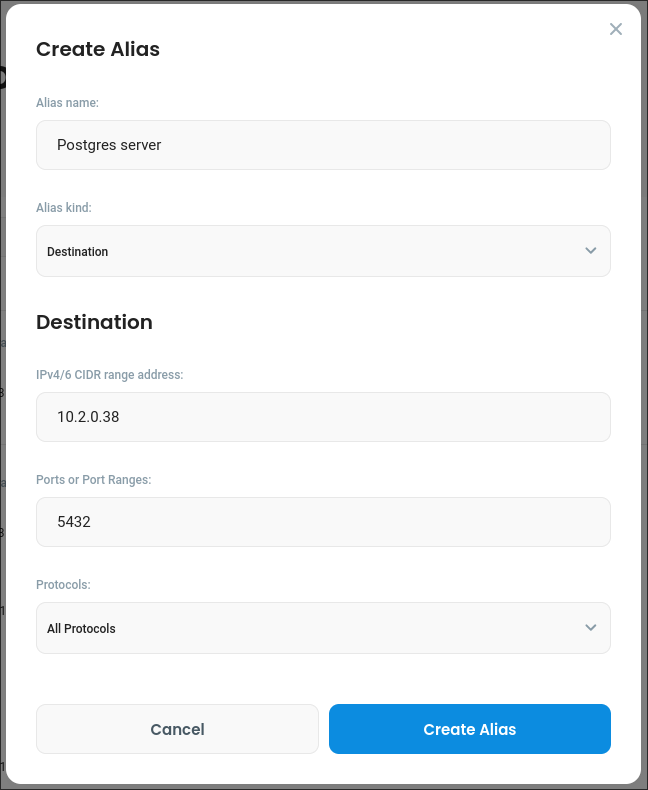
Now consider the following alias:
Postgres server destination alias
When used in the previously defined ACL rule it will have the following effects:
* the rule will still grant access to **all ports** and **all protocols** on 10.2.0.5
* it will also independently grant access to port 5432 in 10.2.0.38
In effect this is like if the rule has two separate destination inputs.
Underneath this is achieved by creating a separate set of firewall rules (one ALLOW and one DENY) for each destination alias.